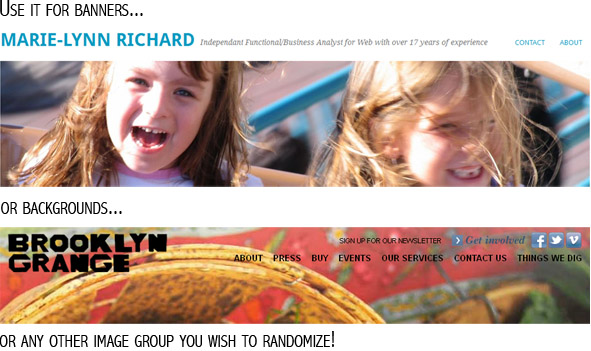
Header Rotation Script from WordPress Media Database

This simple script functions as a replacement script for Matt Mullenweg’s classic rotation script from 2003. This script fetches a random image from the native WordPress Media gallery of file attachments. It was created to give my clients full control over their galleries of random backgrounds, headers, etc. I build sites and coach clients to be 100% independent within the native WordPress environment.

Just like the original file, it’s not a plugin, therefore the footpath and render time is minimal. It calls upon your wp-config.php file so you should not have to configure anything other than your file name wildcard.

All your images should be the right size but it is possible to use it with Timthumb. I works with WordPress 2.6+ and is based on standard installs. You may modify and distribute as you wish or embed in your themes.

https://github.com/MarieLynnRichard/wpdb-header-rotation

INSTRUCTIONS:

Current version: 1.0

After saving the file rotator.php, edit it in a text editor.

  1.  Edit the $wildcard with the name of your images.
  2. Upload all your images in WordPress’ Media interface.
  3. Place this file in a folder named scripts in /wp-content
  4. Test your results by calling this file directly @ http://yourdomain.com/wp-content/scripts/rotator.php
  5. Change the value of $test to 0 so the script redirects to your image.
  6. In your theme, change the name of the image you wish to rotate to:
    /wp-content/scripts/rotator.php

If you would like to control many random image groups, un-comment the switch block and call your ?place= in addition to the script.

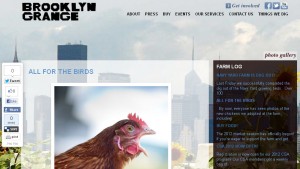
See it in action


On the Brooklyn Grange website
where it is used as a random background switcher.

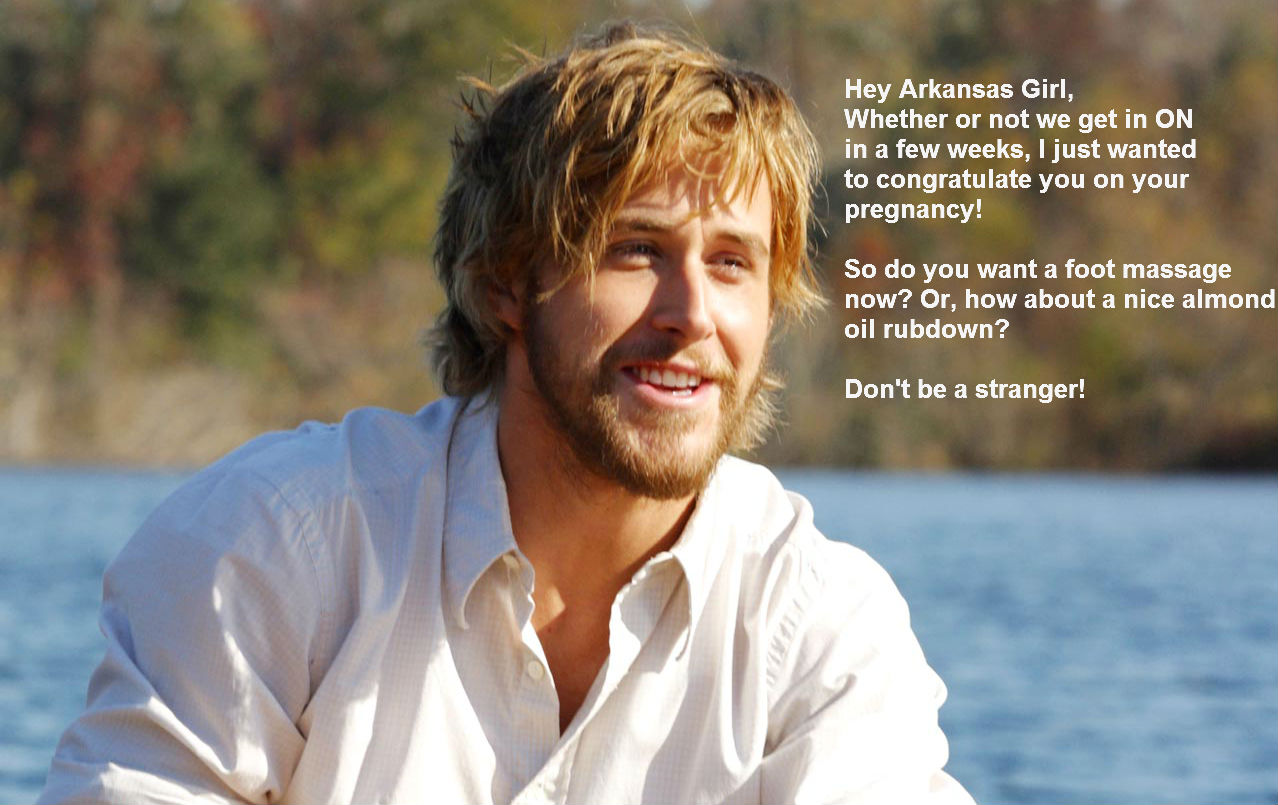
Hey Girl, scientifically dubious legislation is the Lolz

Arkansas has passed a law declaring a woman pregnant before conception making it the most scientifically dubious law ever passed. As legislators and politicians are more and more comfortable discussing their disdain of women and those darn pesky experts in science and medicine who act like they know more than the average person, it makes for lots of LOLz. Now I shall find some nice Star Trek face palm pictures to make LoLzey demotivational posters.

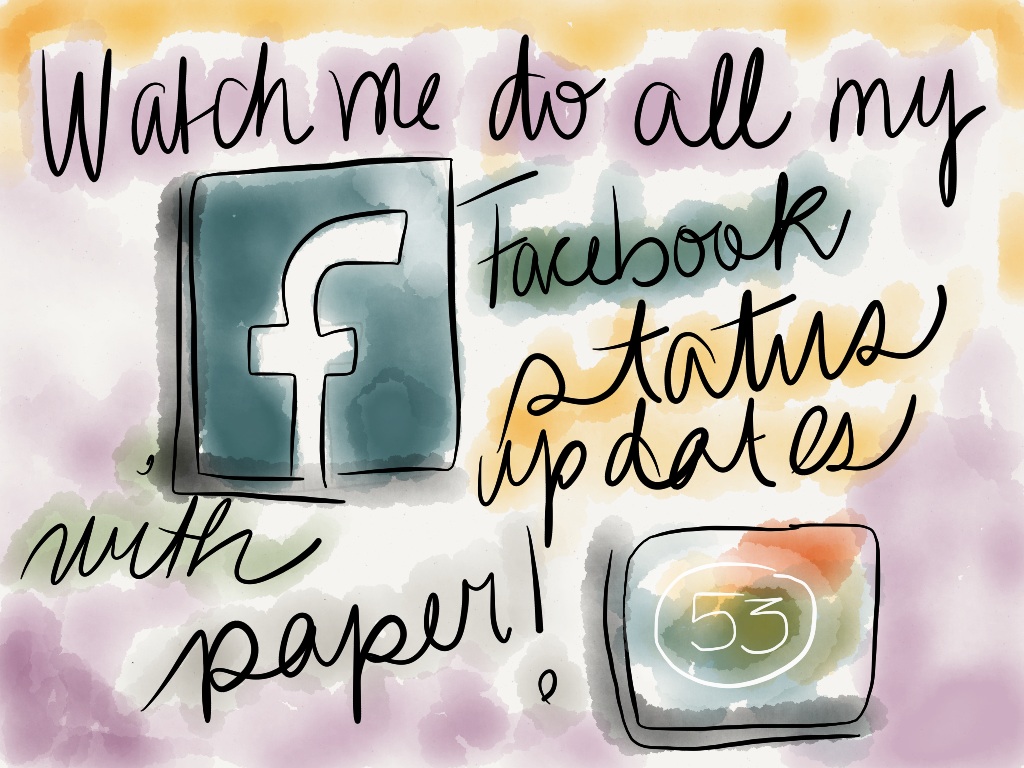
Paper is a good reason to get a Stylus

I just can’t get enough of Paper by FiftyThree. They have a nice Tumblr of art made with their new iPad app. Last week, Marie-Tangerine made a logo for our Easter Project with Paper and I have been waiting to get a stylus in order to get bitten by the Paper bug. Even my associate is working on her new logo with Paper 🙂 It’s fun and free to download and try. I only have 2 of the 4 extra tools but that is fine for now as I get used to it. All tools total $7.96 so it’s a bit more expensive than other drawing apps, however, I have had my iPad for almost 2 years and I never got bit by the iPad drawing bug before 🙂

20120414-160004.jpg

My Pinterest Desk: The CSS tutorial that turned into a Facebook App

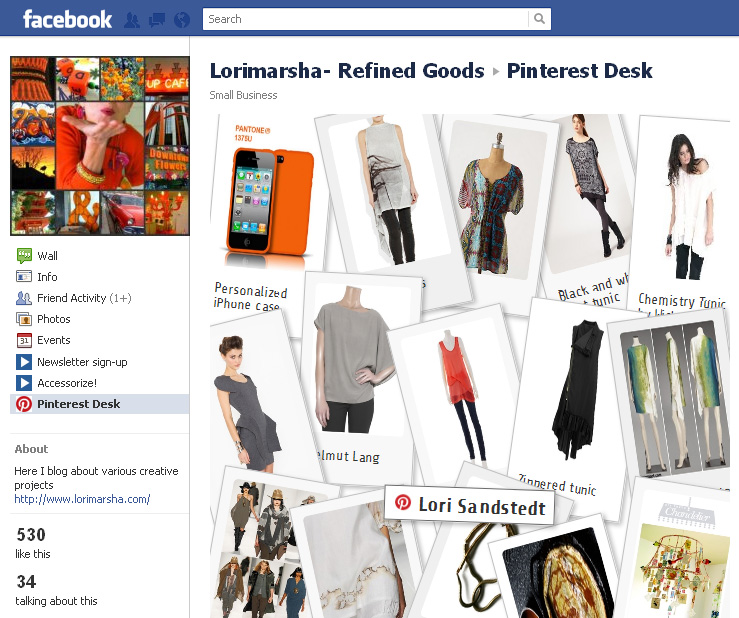
I have been watching the stats and feedback for my new Pinterest Desk application for Facebook for the past 48 hours and I am really happy to see people are finding it useful and pretty. The exquisite designer Lori Marsha of Refined Goods was the first friend to install the application. I just love how this is going to help me find new Pinteresters to follow and new Facebook designer pages to like.

You can add it to your Facebook pages!

Last weekend I hunted the Web for various photo display CSS tutorials and chose Nathalie Downe’s tutorial on displaying flickr photos as Polaroids from 24ways. Being too lazy to make a list of photos to display, I decided to pipe my Pinterest RSS through SimplePie, an open source RSS reader. It went so well that I quickly turned it into an application for my Selling on Etsy page and now anyone can add it to their page, in only a few clicks.

As a side note: Facebook should allow page-by-page app authorization

I am always curious to see how well I can develop for Facebook without putting people through the speed bump of having to accept an application that gets all of their Facebook data. Having to accept Facebook applications to perform simple tasks is a real pet peeve for me and this is why my Premium contest application does not ask participants to accept an intrusive Facebook application. This way participants provide the info that the promoter requests, and only that. However, as a page manager, I cannot accept applications that want me to grant them access to all my pages (for the purpose of posting to them or as them). Right now, applications for pages confirmation screen is an all or nothing system that requests access to ALL your pages in order to render a service needed for ONE. Most of the pages I manage belong to my clients and I cannot grant access to their pages to third party applications from developers I do not know. For the past 5 years Facebook has been deploying “not-so-well-thought-out” user experience and system improvements. But to be fair, the worst of these mistakes are reported and Facebook deploys improvements quickly. So I am sure Facebook will update their system to allow page-by-page application authorization. For now I continue to strive to provide the best user experience I can without asking my users to grant access ALL the pages they manage.

A brilliant product : The Go Pro

One of the most exciting products to come out in ages is the Go Pro. It’s a small waterproof HD camera you can clip on stuff like bikes, helmets, surfboard and every week someone comes up with an even better use for it. It’s now available in a 3D setup… And it’s dirt cheap! Even as a frequent iPad user/lover I concede that the Go Pro is even more of a landmark product at around 300$!

Dreadfully Cold Saturday Feet Require Toasty Warm Booties

If you look at the weather channel it is always promising Montreal will be less dreadful tomorrow, or the day after but it’s always so frickin’ cold and wet!

About a month ago I found a sub-leaser for my apartment and decided to move all my belongings downtown with only 6 days notice. Being a long-time project manager, I organized everything perfectly and everything went superbly. I now have to spend my days in our new commercial space where I have set up my new workshop and office. I have only limited I.T. and Web contracts right now because my priority is cleaning and fixing a large space that is our martial art school. This is also from where I will be working and we will be starting a new commercial venture this summer. It is a lot of work as this space has been unoccupied for 10 years and has very little amenities. There isn’t even hot water hooked up yet. On the other hand my spouse, who advocates dousing yourself in near freezing water to cure anything and rolls around the freezing floor looking like a Russian bear is beyond happy.

I have been feeling forever cold for almost 3 weeks. It barely gets above 10 degrees here. To further make my life miserable, on Thursday I came in to find that an electrical fire upstairs had affected the power supply. Because of Easter break we have limited power and no heating for a few more days. Today, I decided to turn a sweater I bought a few years back into a pair of thick and warm booties. The result is instant bliss! Now if I could only says that about my forever cold hands but one cannot type, knit or embroider with mittens!

toasties-2

This project is suitable for a huge extra large sweater. Felting it makes it thicker and more resistant to fraying. It took me a few hours however I had already done one step: Felting the sweater (which you can do by washing it in hot water with soap in the washing machine) When I originally bought the sweater, exactly 3 years ago today, it fit me just fine but I wanted to turn it into a knitting bag. Not a good idea as it turned out because upon felting it became too fuzzy and lost it’s beautiful pattern.

*All pictures lead to a larger version on Flickr.

Step 1

For this project I only used the sleeves. So once your sweater is felted and dried, verify that you can still slip on the sleeve with your foot going up the armhole like a comfortable sock and then cut off the sleeves. You will not have to finish off what will become the top of your boot as it is already edged like a sock would be.

toasties-1

Step 2

Turn your sleeve inside out. Trace a pattern of your foot. Place it on the sleeve with the point facing the large opening of the sleeve about a few centimeters away. Using safety pins, fasten together the two sides going around your pattern but arrange them so their imaginary line reaches the natural sides of the sleeve. This is merely to shape the large part of the sleeve to the form of your toes. The rest of the boot should be left as large as possible. Turn your boot back in to judge the shape is you want.

toasties-3

Step 3

Using embroidery thread (all six strands) or strong polyester thread backstitch inside the line you formed with the safety pins. You will need a lot of thread for this because the seem has to be sewn twice.

Step 4

Remove the safety pins. Cut the excess material off about a centimeter away from your sewing line. Be careful not to cut where the sewing meets the natural line of the sleeve.

Step 5

Blanket stitch all along your first sewing line. This will strengthen the seem and prevent bits of yarn for escaping the seam.

Step 6

At this point you can turn the boot right side out again and try on your boot. I decided to add a leather sole because I had leather to recycle and thought it would look cool. Use the foot template to trace and cut a non fraying fabric, leather or heavy felt in the space of your foot. Make sure to match your right and left sides correctly! I pierced my leather with a tiny hole puncher but depending on what fabric you use, you may not have to do that. Once your sole is correctly placed, keep it in place with safety pins. Blanket stitch around the whole sole.

toasties-4

toasties-6

Voilà, eco-friendly and upcycled warmer feet!
On The End of CAPTCHA

Now that Xrumer 7.0 Elite can make sense of most CAPTCHAs, we need a new completely automated public Turing tests to tell Computers and humans apart.

Why are we making humans prove they are human while it is much simpler to catch robots being robots? Let’s create a completely confusing UX for spambots and be done with most of their shenanigans!
Continue reading “On The End of CAPTCHA”

I am going to tell you a secret, or two…

Google recently announced that it’s going after content farms lowering the ranking of sites its new algorithm has identified as low-value. You know those annoying sites that offer absolutely nothing to the reader but a bunch of Adsense ads. This could make highly capitalized companies like Demand Media, Yahoo! and AOL shake in their boots as they continue to use their content development workflows to cram out crowd-sourced McContent purchased at, what I consider, sub-par wages.

As I enjoy my first day of corporate freedom and ponder which ventures to take on next I say ‘it’s a bout time!’ and ‘I love you Google’!!!
Continue reading “I am going to tell you a secret, or two…”

Quelle est votre stratégie de URI mobile?

Lors de la création du premier guide de stratégie SEO pour les sites mobiles chez Médias Transcontinental, j’ai du me poser la question « Quel sera le meilleur URI à adopter pour promouvoir un site Web mobile? ». Le reste de la stratégie qui permettra de maximiser le pouvoir SEO des sites via les médias sociaux, les sites de bookmarking et blogues, dépend de ce choix.Continue reading “Quelle est votre stratégie de URI mobile?”